Showing posts with label rendering. Show all posts

Tuesday, April 16, 2013

Rendering with wireframe in Maya


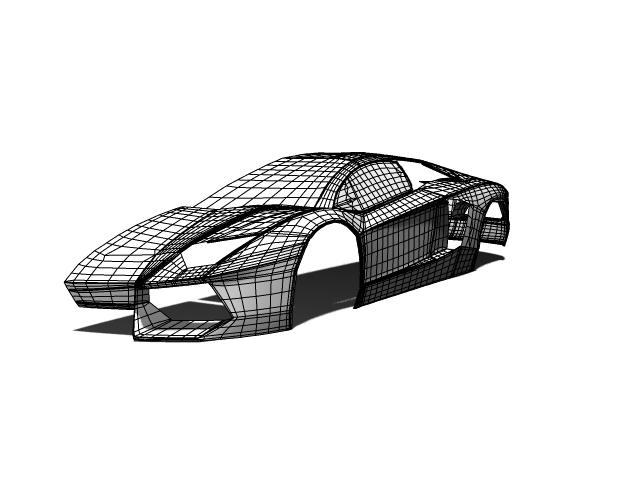
                  In 3D industry, 3D model designers rendered their model with the wire frame for the presentation or behind scene of the movie, so audience can see the topology of the model while looking at the detail of the model. If you are using Maya for the 3D modeling and animation you can use contours rendering in mental ray. Now lets see how to render your scene with wire frame.

Sunday, February 10, 2013

How to handle dielectric material

                     
                               You can create dielectric material and assign it to object, but it is not the correct way. You cannot handle special attributes like photons. Because of this we have to use Maya default material. In this post I'm going to show you how to do it.

Saturday, February 9, 2013

Text animation with destruction


                               In this tutorial I'm going to show you how to create a text animation using nDynamics in Autodesk Maya. In here we use text destruction method for text animation. Most text destruction animations are used in a game or movie or company logos.

Particle Streaks


                                 In this post I'm going to show you how to create particle streaks. You can use this method in sci-fi or mystery movie animations. In here we are going to use nparticles, not particles.

Friday, February 8, 2013

Car smoke trail

                          In this post I'm going to show you how to create a car smoke trail. In here we are going to use particles, not nparticles. Most people use nparticles for their car animations but I think particles method is also important. hope you guys enjoy it.

Tuesday, February 5, 2013

Car rendering using Maya and HDR light studio


                            In this post I'm going to show you car rendering and lighting techniques which is very useful for studio background renderings. In here we use special software called HDR Lighting Studio. You can download it by clicking here.

Creating a table cloth using nDynamics

                                  In this tutorial you can learn how to create table cloth and material using nDynamics. You can model the cloth using nurbs surfaces but it is hard. When we use nDynamics it is automatically calculate the shape of the cloth, no need to model it.

Monday, February 4, 2013

Depth of field

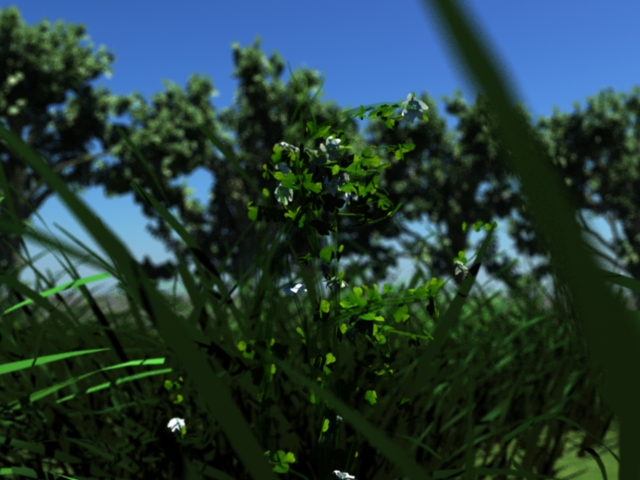
                                 In this post I'm going to show you how to add depth for camera which is known as camera blur. You can do it on Autodesk Composite but I think this method is also good. Hope you guys enjoy it.

Sunday, February 3, 2013

Maya Underwater scene

                               
                       In this tutorial you will learn how to design an underwater scene using Autodesk Maya Environment fog(note that you can use this method in mental ray after creating the environment fog). You can design this using Realflow or Maya Fluid effects. But it gets much time to render. Using environment fog is very simple and very easy. This method is very usefull for underwater submarine animation.